Microsoft integrating advanced AI copilots deeper into Windows ecosystem
Microsoft is pushing AI copilots deeper into Windows, transforming everyday computing with automation, personalization, and productivity gains while raising new concerns around privacy and control.
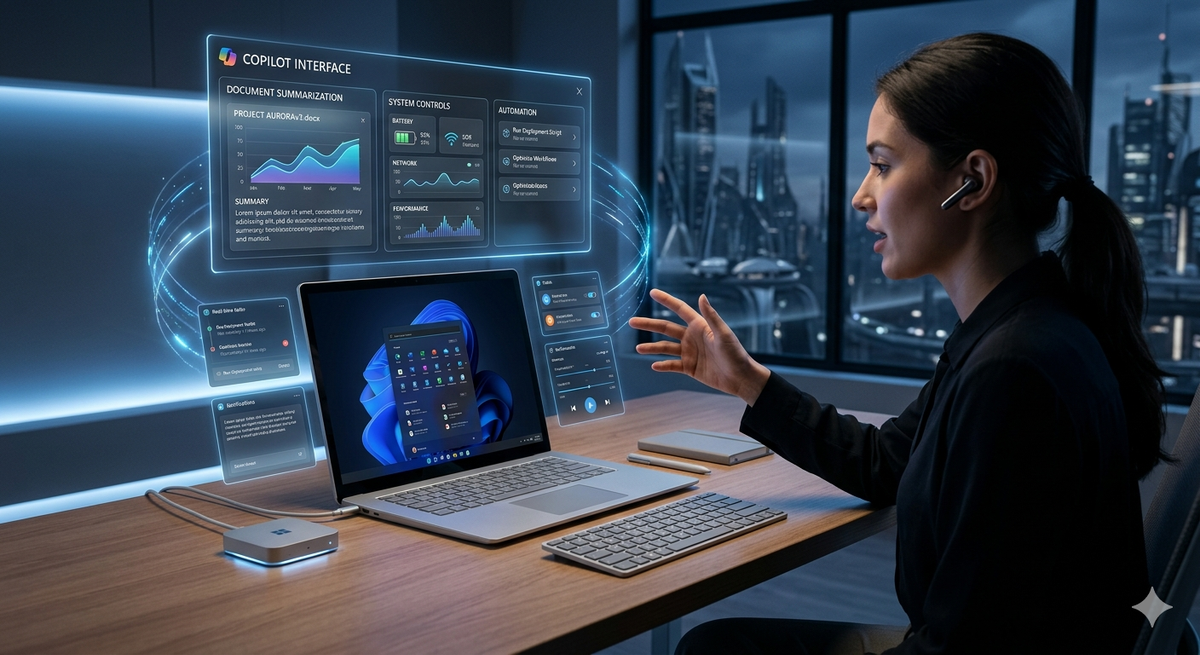
What if your operating system stopped being a passive tool and started acting like a thinking assistant? That shift is already underway as Microsoft embeds AI copilots deeper into the Windows experience, turning everyday computing into something far more automated and responsive.
A New Role for the Operating System
Microsoft is transforming Windows from a platform that executes commands into one that anticipates them. With Copilot integrated directly into the system, users can now interact with their devices using natural language. Tasks like summarizing documents, drafting emails, or adjusting system settings no longer require navigating multiple menus or applications.
This approach reflects a broader push across Microsoft’s ecosystem, where AI copilots are already embedded in tools like Word, Excel, and Teams. Bringing that intelligence into Windows itself signals a deeper shift in how software is designed and used.
How AI Copilots Reshape Daily Computing
Copilot functions as a system-wide assistant. Instead of switching between apps, users can ask for help in plain language and receive contextual responses.
- Generate and edit content across applications
- Automate repetitive workflows
- Provide real-time suggestions based on activity
- Control system settings without manual navigation
This reduces friction, especially for users who are not technically inclined. It also changes how people interact with software, shifting from command-based inputs to conversational requests.
Deeper Integration Across the Windows Ecosystem
Microsoft is positioning Copilot as a core layer of Windows rather than an optional feature. Recent updates show tighter integration with system-level functions, allowing the assistant to analyze on-screen content and provide context-aware support.
Copilot can now adjust settings like display modes or connectivity and interact with applications in real time. Combined with cloud-based AI models through Azure, this enables more advanced capabilities such as real-time summarization and intelligent task automation.
The introduction of Copilot+ PCs further reinforces this strategy. These devices include dedicated neural processing units designed to handle AI workloads locally, improving speed and reducing reliance on cloud processing.
Impact on Productivity and Workflows
For individuals, the benefits are immediate. Students can condense large volumes of information quickly. Professionals can draft reports, emails, and presentations with minimal effort.
For businesses, the integration offers measurable gains in efficiency. Teams can automate routine tasks, reduce onboarding time, and improve overall output. The reliance on specialized technical skills may also decrease as AI handles more complex operations.
However, this convenience introduces a trade-off. As users depend more on AI assistance, their understanding of underlying tools and processes may weaken.
Challenges and Concerns
Despite the advantages, the deeper integration of AI raises important concerns. Privacy remains a central issue, as copilots require access to user data to function effectively. Even with on-device processing, questions around data security persist.
Accuracy is another limitation. AI-generated responses are not always reliable, and errors can lead to poor decisions if outputs are not verified. There is also the broader issue of control, as systems begin to suggest and automate actions that were previously user-driven.
Conclusion
Microsoft’s move to embed AI copilots deeper into Windows marks a fundamental shift in computing. The operating system is evolving into an active participant that assists, predicts, and automates.
This transformation offers significant productivity gains but also introduces new risks around privacy, accuracy, and user dependence. The balance between convenience and control will define how successfully this new model of computing is adopted.